 Invoice Luxe
How to Convert Images to PDF (JPG and PNG) Online for Free
Turn photos, scans and screenshots into one PDF in your browser: choose the images, put them in order, straighten scans with a crop, and download the file.
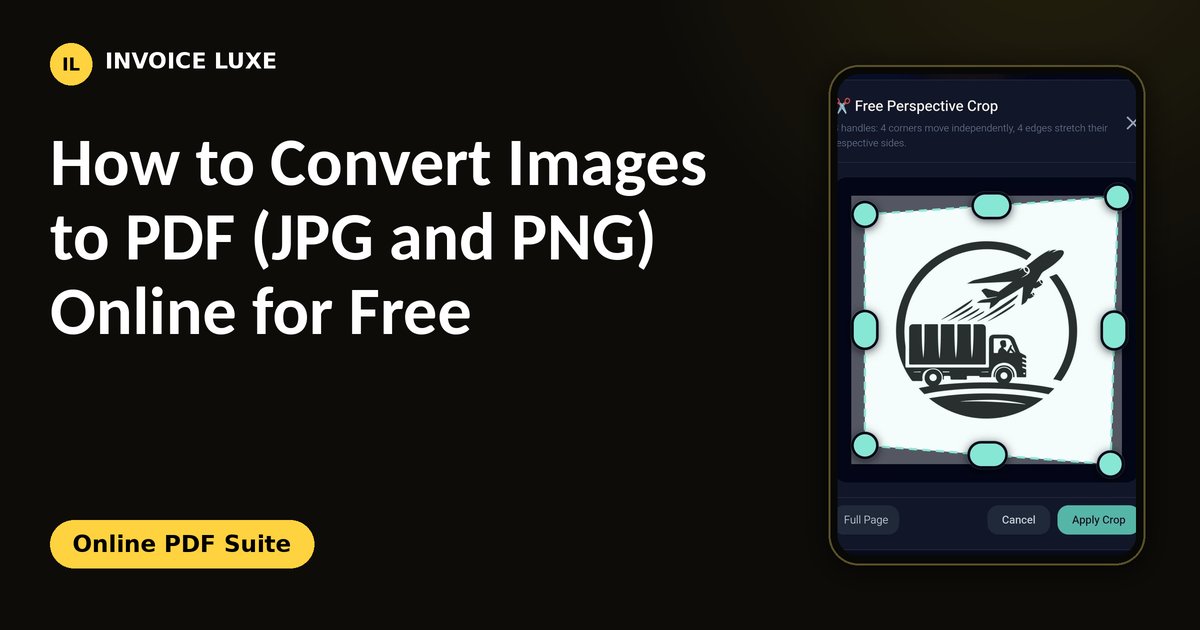
A single PDF is easier to email, print and upload than a pile of photos. You can combine JPG and PNG images into one PDF right in your browser, without installing an app.
Step by step
- Open the PDF tools and choose the option for images.
- Add your images. Pick JPG or PNG files from your phone or computer, or take new photos.
- Put them in order. The first image becomes the first page.
- Straighten or crop any photo that is tilted or has extra background.
- Create the PDF and download it.
Want to try it right away? Online PDF Suite is free and needs no signup.
Get a clean scan with your phone
- Use daylight or a bright lamp and avoid shadows from your hand.
- Place the page on a plain, dark surface so the edges stand out.
- Hold the phone straight above the page.
- Crop each photo so only the page is visible.
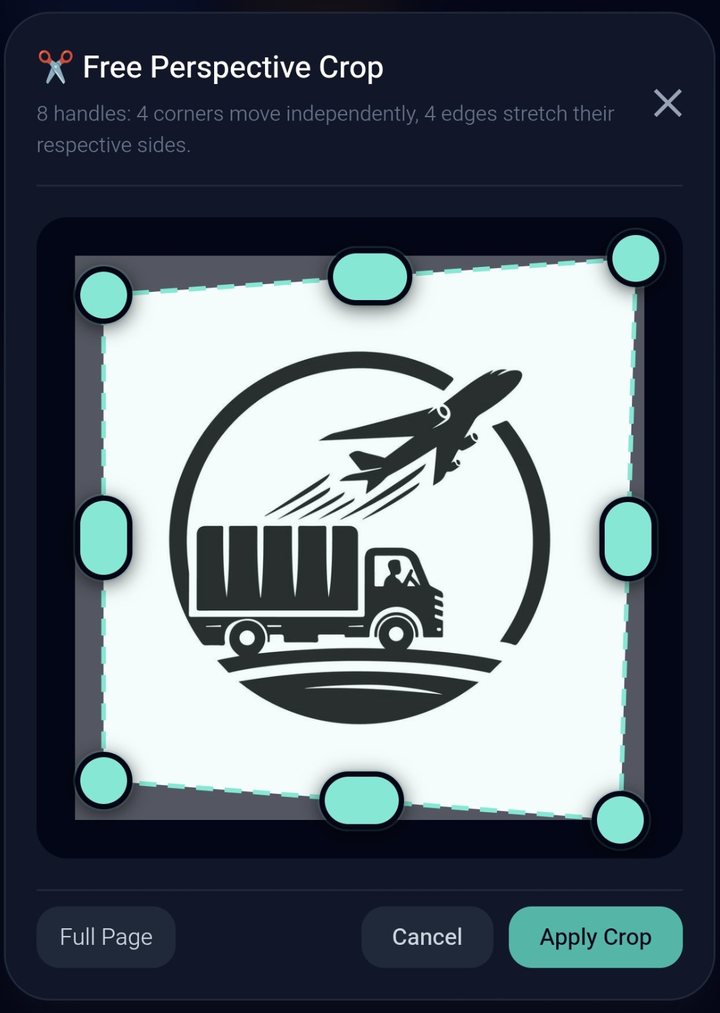
Straighten photos with perspective crop
A photo taken at an angle makes the page look like a trapezoid. A perspective crop lets you move each corner to the corner of the page, so the result looks like a flat scan. Invoice Luxe's PDF tools include a free perspective crop with handles on all four corners and all four edges.
Tips for a good PDF
- Keep the order right. Check the page order before you create the file.
- Use one orientation. Rotate photos first so every page faces the same way.
- Watch the file size. Very large photos make a heavy PDF. If the file is too big to email, compress it.
- Name the file clearly, for example "receipts-october.pdf".
Common uses
Receipts for an expense report, a signed form, ID documents for an application, homework pages, and pictures of products for a catalog all work well as a single PDF.
FAQ
Can I combine JPG and PNG in one PDF?
Yes. You can mix both formats and place them in any order.
Is it free?
Yes. It is free and works in your browser, without signing up.
How do I make the PDF smaller?
Use smaller images or compress the PDF after you create it.
Can I sign the PDF after I create it?
Yes. Use the sign tool to add your signature, then download the signed file. See how to sign a PDF online.