How to Sign a PDF Online for Free (No Printing, No App)
Sign a PDF on your phone or computer in a minute: upload the file, draw your signature, place it on the page, then download or share the signed copy.
You do not need to print, sign and scan a document anymore. You can sign a PDF in your browser, on a phone or a computer, in about a minute.
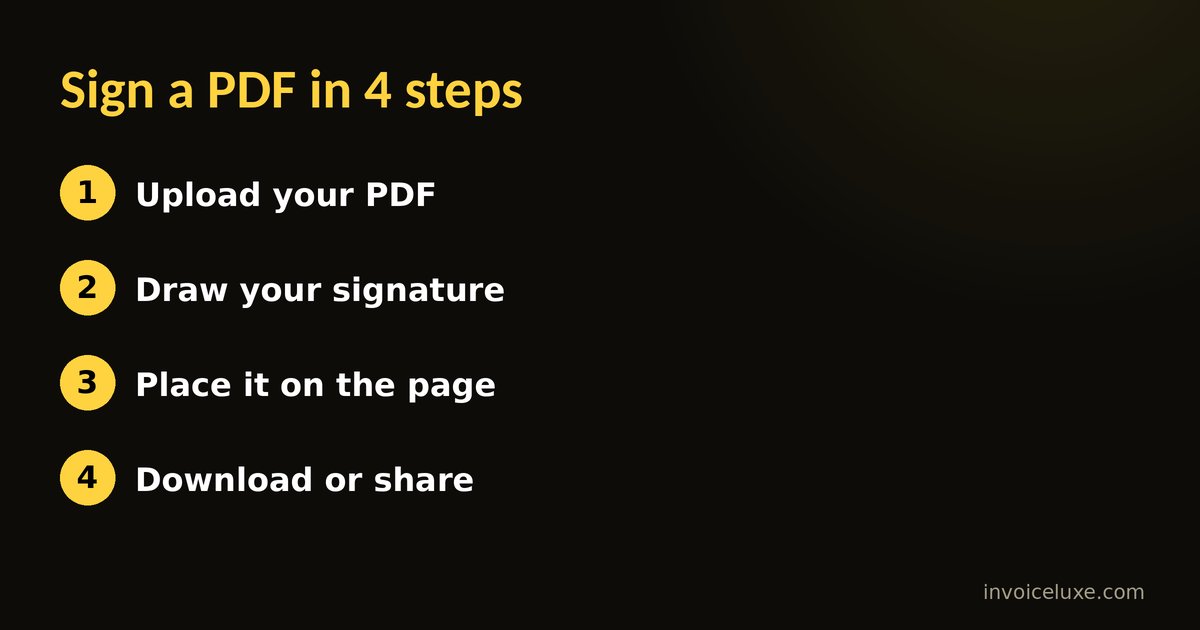
Step by step
- Open the signing tool and upload your PDF.
- Draw your signature with your finger on a phone or with a mouse or trackpad on a computer.
- Place it on the page. Move the signature to the signature line and resize it.
- Preview the signed document and go back to editing if something looks off.
- Download the PDF or share it, for example on WhatsApp.
Want to try it right away? Sign PDF Online is free and needs no signup.
Tips for a clean signature
- Sign slowly and use a larger canvas if you can. A phone held sideways gives you more room.
- Keep the signature on the line and away from the printed text.
- Check every page in the preview before you send the file.
- Save the signed file under a new name so you keep the original.
Is an online signature valid?
In the United States, electronic signatures are generally given legal effect for many ordinary documents under federal and state law. Some documents have special rules, such as certain wills, court papers and notices, and some businesses require a specific signing service. This is general information, not legal advice, so check the requirements for your document.
It helps to know the difference between two things:
- A signature image placed on a PDF, which is what a simple signing tool does.
- A certificate-based digital signature, which also proves the file was not changed after signing and is used in more formal workflows.
What you can sign
Contracts, rental agreements, forms, permission slips, invoices, delivery notes and quotes are common examples. If a document needs a witness, a notary or a certificate-based signature, a simple online signature may not be enough.
FAQ
Is it free to sign a PDF here?
Yes. The tool is free and works in your browser without an account or an app.
Can I sign on my phone?
Yes. Use your finger to draw the signature, then place it on the page and download the file.
Can I sign more than one page?
Yes. Check each page in the preview to make sure the signature is where it should be.
Can I send the signed PDF straight away?
Yes. After you preview it, you can download the PDF or share it.